 FAQ
FAQ
FAQ
FAQ
In Design Mode, you can click and drag, or press the Shift key along with the arrow keys to select multiple fields.
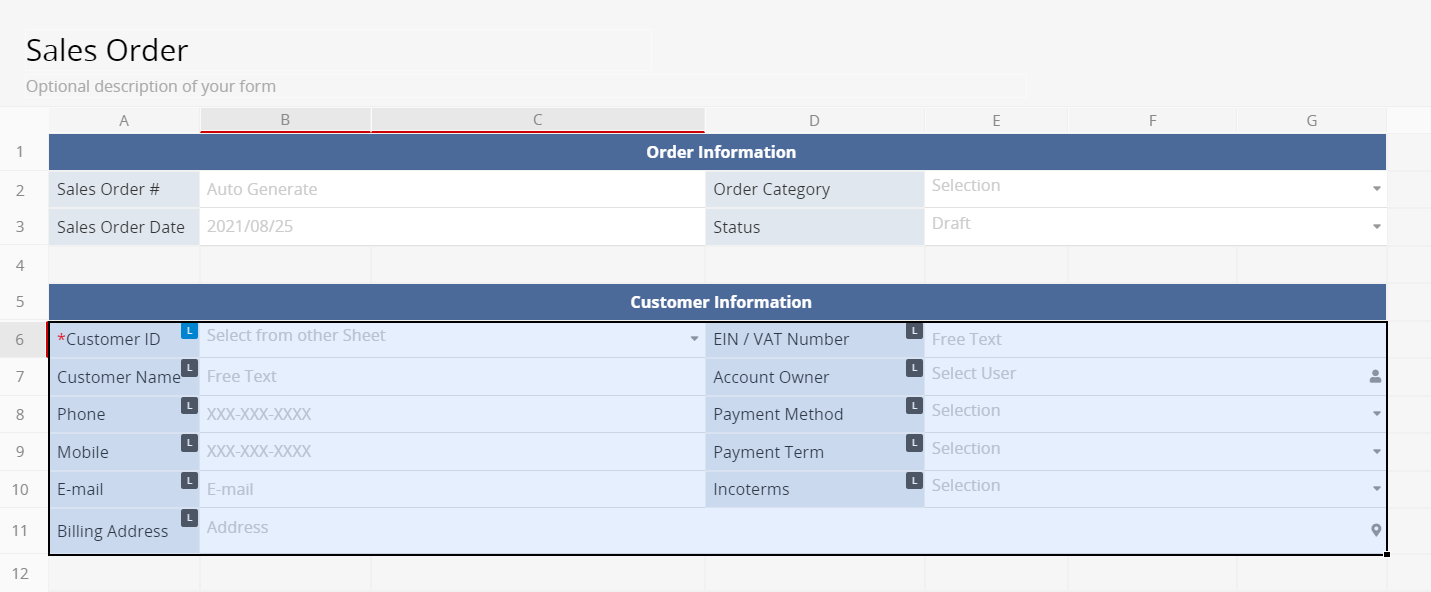
After selection, the following actions are supported:
1. Press Delete/Backspace to delete the selected fields.
2. Apply styles to the selected fields.
3. Copy and paste to create a new set of selected fields.
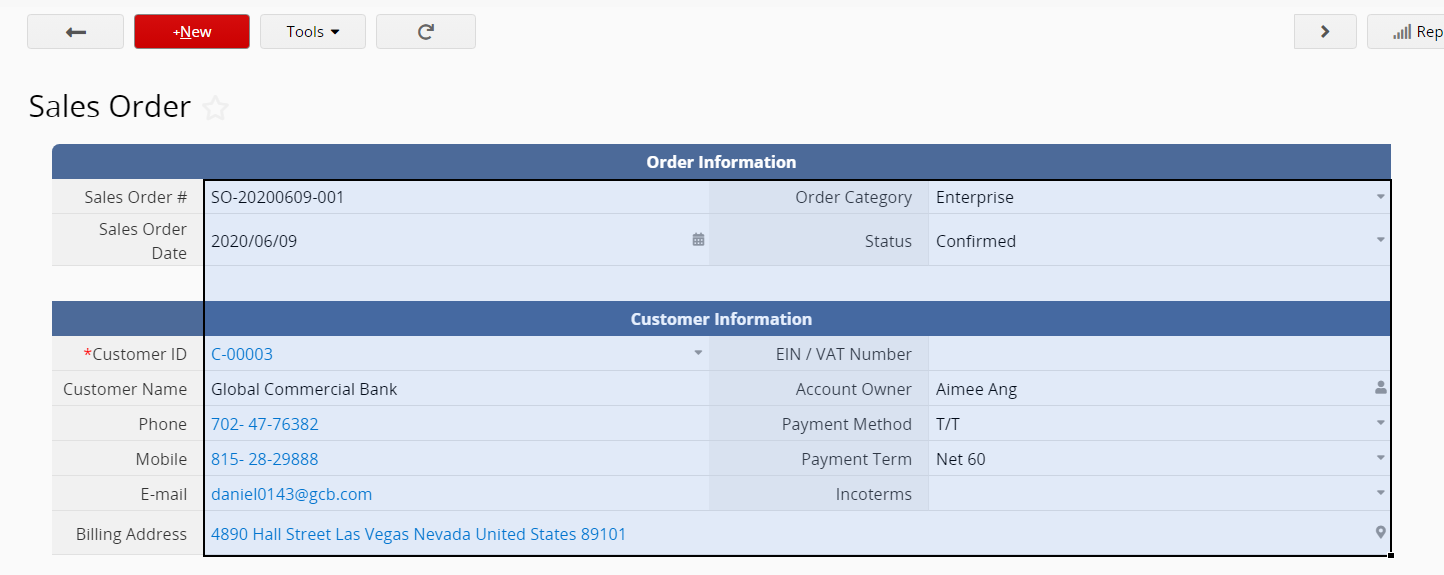
Form Page: In Edit Mode, you can click and drag or press the Shift key plus the arrow keys to select multiple fields.
Listing Page: In Edit Mode, you can press the Shift key plus the arrow keys to select multiple fields.
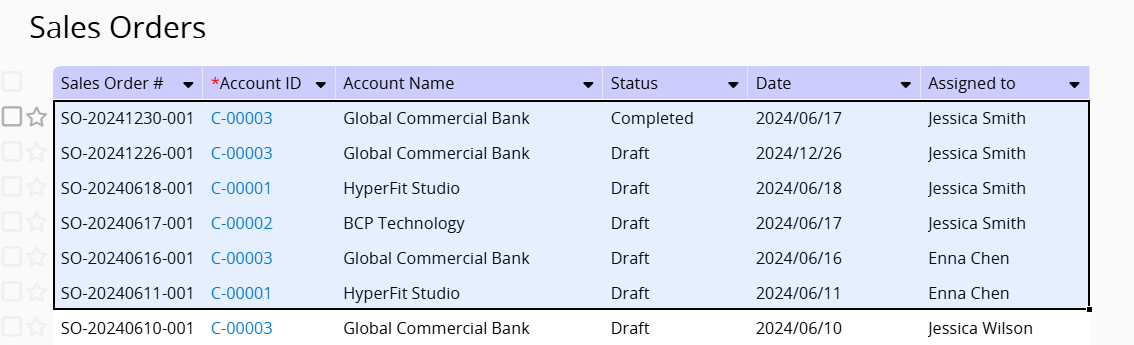
After selection, the following actions are supported:
1. Press Delete/Backspace to delete selected field values.
2. Copy and paste selected field values within Ragic or to/from Excel.
In both Form and Listing pages in Edit Mode, you can drag the lower-right corner of a field value cell to select other fields and copy the value to all selected fields.
 Thank you for your valuable feedback!
